Remote access with Husarnet VPN
You can remotely access your robot not only within a local area network (LAN) but also via the Internet. The connection utilizes the Husarnet VPN.
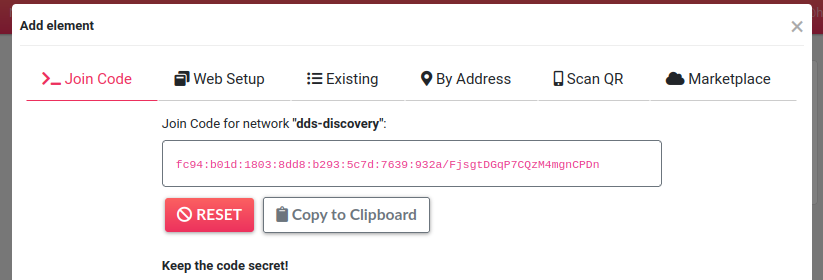
Find the Join Code
To link your devices within the same Husarnet VPN network, you'll need the Join Code associated with that network.
Find your Join Code by visiting your account at https://app.husarnet.com
-> Click on the desired network
-> Add element button
-> Join Code tab
Connecting Your Robot
sudo systemctl enable husarnet
sudo systemctl start husarnet
sudo husarnet join PASTE_YOUR_JOIN_CODE_HERE my-robot
Connecting Your Laptop
To install the Husarnet VPN client on your Linux laptop:
curl https://install.husarnet.com/install.sh | sudo bash
sudo systemctl restart husarnet
sudo husarnet join PASTE_YOUR_JOIN_CODE_HERE mylaptop
If you have another OS on your computer, please find the supported options here.
Testing the connection
That's all - now you can access the robot over the Internet and use your robot's hostname instead of IPv4 addr, eg.:
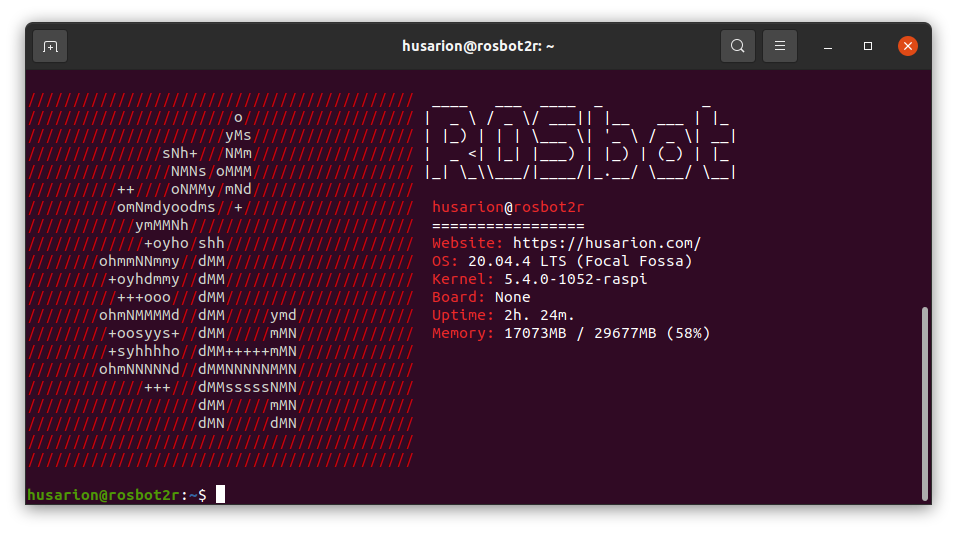
ssh husarion@my-robot
After that you should see:
To get more information about using Husarnet visit this tutorial for quick start.